

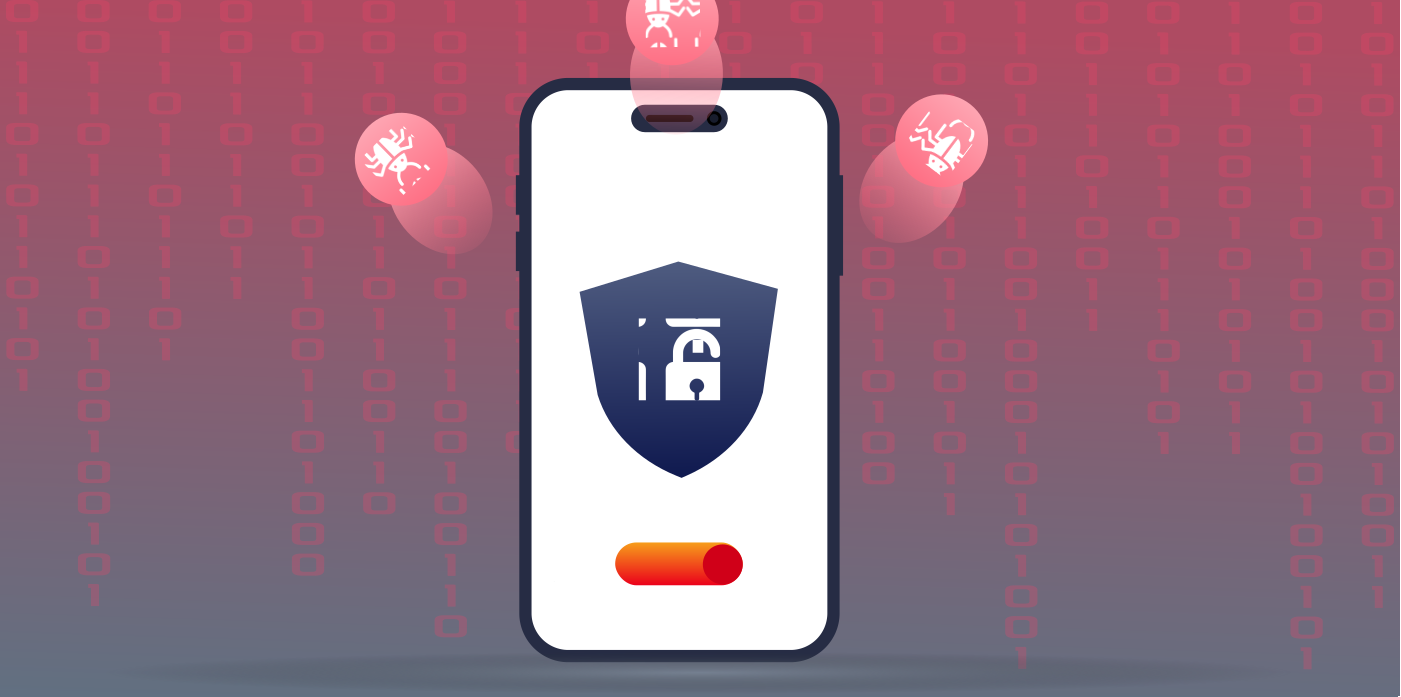
The sea of the internet continues to grow exponentially, but so do the sharks present in it. Every device connected to the internet is a target of a hacker, and this becomes a nightmare for businesses and internet users.
Criminals can bring an organization to its knees through malware, such as spyware and ransomware. They use programs and codes to infiltrate systems and bring malicious demands to the hosts. Given this scenario, none of your private information, pictures, messages, browsing history, or banking information is safe.
To keep yourself or your business secure from hackers, consider getting security tools for your systems, like a robust VPN service. This post guides you on how a VPN protects you from hackers online.
Ways How VPNs Prevent Hacking
The Virtual Private Network (VPN) secures your internet traffic by encrypting it and sending it through a secure tunnel, making the data unreadable for malicious entities like hackers. Here’s how a VPN keeps you safe online:
Military-grade Encryption
The VPN network has a safe, secure tunnel through which it connects two devices over the internet, thus encrypting your traffic and information that passes through it. Encryption happens when your device is connected to the VPN network.
So, the data you are about to send out is encrypted right on your device before it’s forwarded to the VPN server. Then, it’s decrypted again before being sent to its online destination.
Many leading VPNs have military-grade AES-256-bit encryption, which is so powerful that most security agencies worldwide use it. And because the data is impractical to crack – it would take hackers several decades to crack it, and they only have a few minutes of your online time and data – they decide not to.
IP Masking
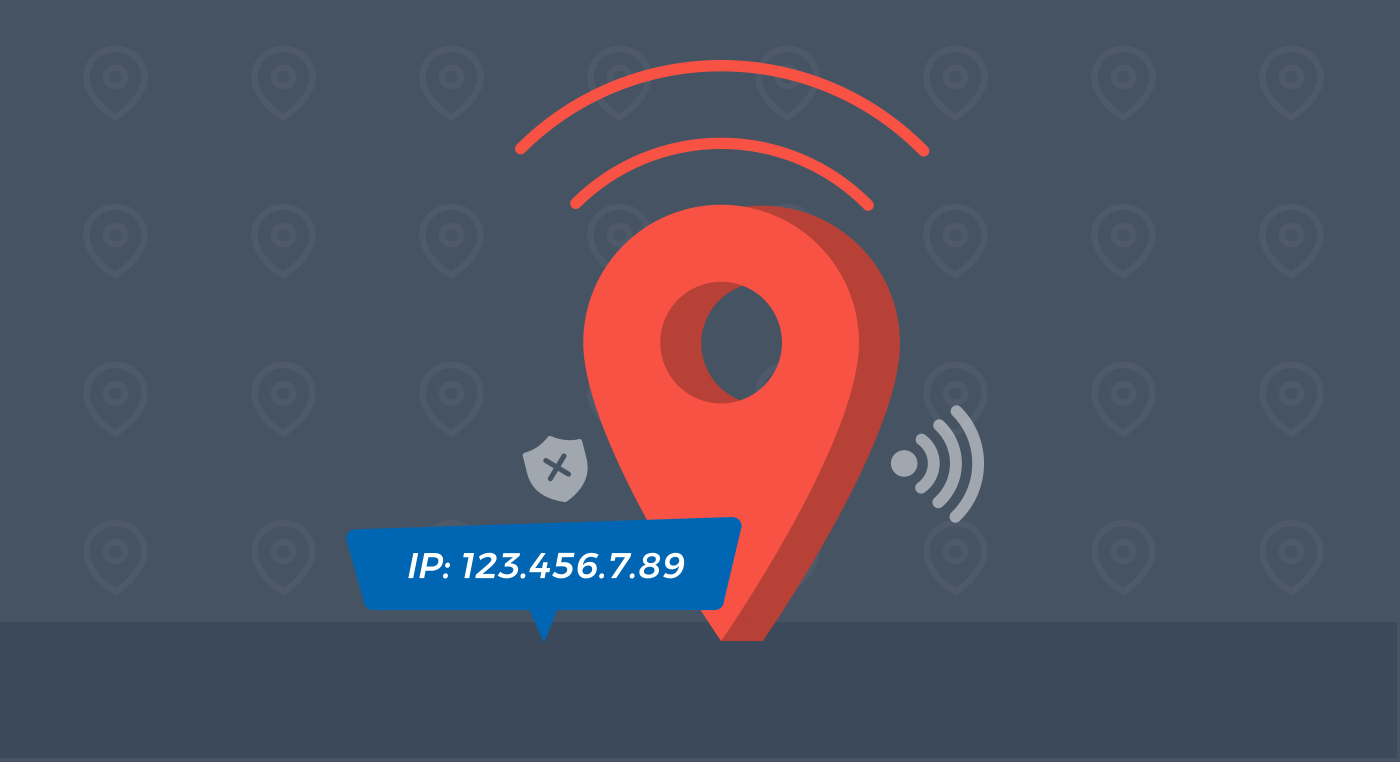
When browsing the internet, your device and location give you a specific code to which you get permission to access online services. Your IP address is your online form of zip code or postal address on the internet. So, it tells other websites your exact internet position and the device you’re using.
Sometimes, your IP address can tell your actual location and the address where people can track you down. And you don’t want a stranger on the internet to have such information that might risk your life and your loved ones.
However, you can connect to a VPN to stop this. The VPN masks your IP and gives you a new identity. So, instead of your IP address, you surf the internet using the IP address of the VPN server, which lets you browse the internet securely.
Kill Switch
Top VPN providers have a kill switch feature that stops internet traffic whenever your VPN connection drops. Think of a kill switch as a measure that prevents your real identity from leaking into the hacker’s domain.
Sometimes, the VPN connection drops briefly, even before you notice it. When this happens, the kill switch feature protects your data from exposure. The kill switch temporarily suspends your internet connection until the VPN connection is restored again.
Ad Blocking
While VPNs themselves don’t block adverts, some advanced VPN providers offer ad blockers. This feature blocks pesky ads, malicious website pop-ups, and other intrusive web trackers to fortify your online safety.
The ad-blocking feature comes in handy when browsing a compromised website. Sometimes, blocking advertisements protects you from the infections that come with evil codes and scripts on those adverts.
At the same time, it prevents you from unknowingly downloading malware or other viruses through third-party advertisements.
Secure Protocols
The best way to tell whether a VPN is safe is by looking at its protocols. Always get a VPN that has reliable and secure protocols, such as WireGuard and OpenVPN. Cybersecurity experts worldwide often use and love these protocols due to their excellent speeds and robust security guarantees.
The WireGuard protocol comes in several forms, providing users with the best speeds and top-tier protection.
How a Criminal Can Hack Your System?
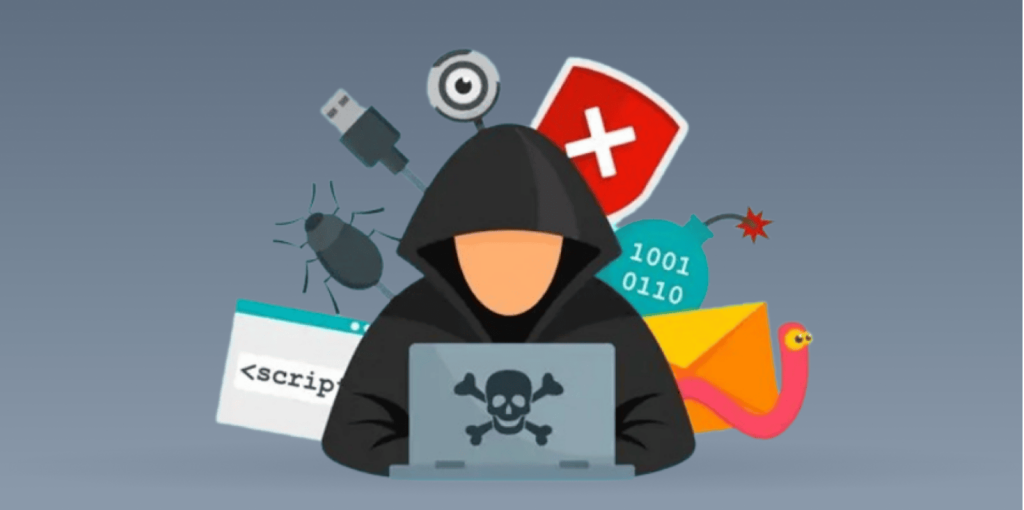
1. Cookie Theft
Also known as session hijacking, cookie theft is the process through which hackers use your cookies to view everything you are browsing, including your social media chats and banking information. Most cookie thieves target open public Wi-Fi and other random hotspots. They intercept the Wi-Fi network and start viewing what you do online.
2. Malware Infiltration
Criminals can infect your devices through viruses or malware, and can use them to steal your data or damage important files. Many software or tools available on the internet are also malware-infused that hackers make available to download for free. If you fail to identify a red flag, you might end up downloading harmful files onto your PC.
3. Evil Twins Attacks
Some hackers target public spaces and establish fake Wi-Fi hotspots without passwords. For instance, if you are a regular internet user at Starbucks or other cafes, you might have noticed several Wi-Fi hotspots with this same name, i.e., one is Starbucks Official Wi-Fi, and the other is Free_Starbucks Wi-Fi or Starbucks Wi-Fi. Only one of these networks is genuine. The malicious Wifi provider’s idea is to lure people into using the free network.
When you try using this WAP network, you risk losing your data and infecting your hardware. The cybercriminal usually roots the network hotspot through their hardware. This means they can see everything you do online because they are your Internet Service Provider (ISP) at the time.
Not even the impenetrable Apple devices are immune to this kind of attack. Several iPhone and macOS users have noticed a Wi-Fi bug spread through the fake WPS hotspots that break through your wireless functionality.
4. DoS and DDoS attacks
Distributed denial of service attacks are types of hacking where the cybercriminal sends a lot of empty data to a website or online service to crash it from the overload. And, when someone targets you with a DoS or DDoS attack, your internet will be useless. Yet, all they need to carry out these attacks is your IP address. You need a strong DDoS-protected VPN to avoid these attacks.
5. The Man-in-the-Middle Attacks
Sometimes, the cybercriminal places a server between your device and the website you want to browse. They use technology that intersects your connection to a website. Therefore, they can see all the information you send or receive from the website and everything you do on that platform.
6. Remote Hacking
Remote hacking lets cyber criminals access your device or network without authorization. In short, the hacker will get your IP location and then mirror everything you do on your desktop or smartphone to be visible on their side. This gives the hacker control over your device and can take pictures of you remotely with your phone.
How Does a VPN Protect My Home from Hackers?
It’s necessary to protect your home networks and devices from cyberattacks, especially if you have smart TVs and other smart appliances. Malicious identities messing with your smart home or the Internet of Things could be dangerous. They would take control of your home assistants, such as Roombas, smart appliances, Alexa, or Google Home, and can exploit it. Sadly, almost all open internet connections and networks are another new way for hackers to execute malicious plans.
Smart radios, picture frames, and even baby cameras can easily fall into the hands of hackers. Once hackers know your IP address, they can easily intercept your connection and start running your home network.
The malicious individuals can launch serious attacks on your network and ruin your organization. And remember, your home is your sacred place, and you don’t want anyone messing with it. You don’t want the baby camera to take pictures of your kid and send them to the hacker, do you?
Fortunately, a VPN hides your IP address, making it impossible for hackers to access your home network. Also, you run an encrypted connection in the home network, which is difficult to intercept. So, your home will be a ghost in the eyes of the hacker.
Can a VPN Keep Me Safe from Hackers on Public Wifi?
Yes, it can. Basically, hackers normally intercept the signals from your device to the router if you are unprotected. They can set up fake routers that intercept what you send from your device on the Wi-Fi.
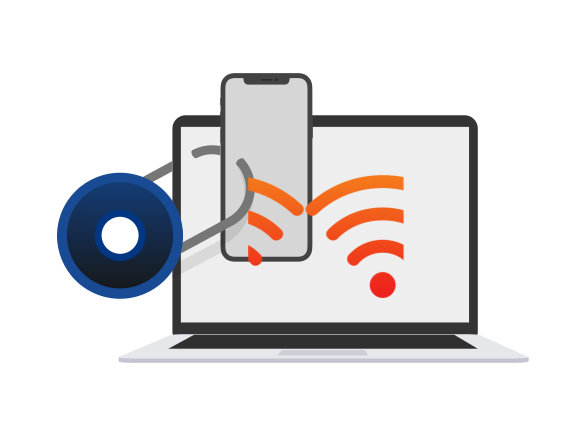
The fake WAP (Wireless Access Points) attacks normally inject malware onto your devices using public Wi-Fi. This hands all your private information to the attacker.
But if someone creates an access point or intercepts public Wi-Fi to see what you are sending to websites, then the VPN will stop that. The VPN will ensure no interception of information between you and the receiver of the data you send on the internet.
Even if the hacker is the ISP or the main admin of the Wi-Fi, they cannot read your traffic.
Which Cyber Threats Can’t be Prevented by a VPN?
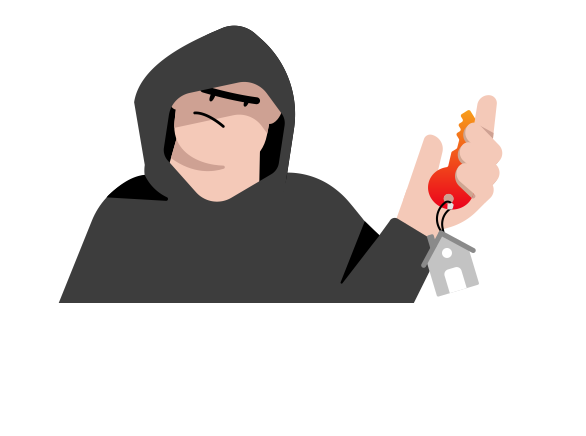
While VPNs are extremely useful tools to combat cybercrime, they still have their fair share of limitations. It’s not every cyber attack threat targeting your device that a VPN can solve.
VPNs cannot fight off the hackers who have accessed your phone directly. If you send data that is not encrypted, the VPN can do nothing to protect you on the receiver’s end.
Here are some cyber crimes from which a VPN will not protect you:
Personal Mistakes
Unfortunately, none of the cybersecurity tools can save you from your security mistakes.
- If, for instance, you click on malicious links or install malware on your device, there is nothing the VPN can do to remove it.
- Also, the VPN is not to blame if you browse a high-risk website and enter your bank details and other personal information.
- If you have weak, guessable passwords and someone figures them out, it will be difficult for the VPN service to protect you there. To create a strong password for your accounts, you can try ExtremeVPN’s password generator tool.
- If you fall prey to social engineering tricks and give up your personal information to someone, no security equipment or software can save you from the con.
Phishing
Phishing is an attack in which hackers spam you with emails masquerading as legitimate businesses. For example, they send you an email that seemingly comes from your bank or social media account and then ask you to change the password.
And, once you click on any of their links, they immediately download malware that exposes your credentials.
Malware and Viruses
The VPN cannot detect or remove malware installed on your device. Many hackers use exploit kits and malware, including Trojan horses, to access your device.
Mostly, you install malware by accidentally clicking on malicious ads and links or using infected SD cards and flash discs without proper hygiene.
Ways to Protect Yourself Against Hackers without a VPN
A VPN provides a strong layer of protection against hackers and malware infiltration. But yes, you can improve your online security even more.
Here are tips to fortify your online defenses:
Keep All Software Updated
Never use outdated software because it contains loopholes through which hackers can penetrate their spyware and other malware. Software developers always patch security issues by issuing new updates. So, you should check regularly with your software provider or operating system for updates.
Secure Your Network Gateways and Internet Routers
Be sure to change your router’s passwords regularly to ensure nobody can figure them out and penetrate your networks. Remember, your router forms the gateway to all your appliances.
The situation becomes even more critical when all your devices are connected through the Internet of Things, Smart Home, or business networks. In such a case, you should disable WPS, remote access, and UPnP to ensure a secure router.
Enable Firewalls
Firewalls will form a fence that all have or malicious online users will have to pass through before they get to you. Think of the firewalls as a fence that forms the first line of defense that every hacker or spy would have to jump over before they come to you. The firewall may not stop every malicious hacker or malware infiltration, but it will make their work harder.
Be Careful with Public Wi-fi
Avoid using public Wi-Fi without proper protection. Do not access websites or services where you need to enter your bank information or other sensitive details about yourself. Hackers normally intercept public Wi-Fi and read it to steal your data.
Beware of Juice Jacking
Sometimes, the hackers might use malware installed on flash discs at the airport charging ports and other places. So, if you use these charging ports, the malware automatically installs onto your device and steals information. So be careful with charging ports, and also avoid the temptation of putting every flash disk or SSD memory device into your phone or computer.
Install Antivirus Software
Most of the common malware is detectable using antivirus scanners. A strong antivirus program offers real-time protection against online or software security threats. It also stops infections before they even happen. Find premium scanners and antivirus software that detect, locate, and even remove malicious applications, files, or codes from your device.
Beware of Socio-engineers
Instead of trying to hack your computer or other devices, social engineers target your mind. They trick you into giving them your private information, and once they have it, they can now access all your devices and networks. So, avoid chatting with strangers or giving them unnecessary information about you. Do not download or click on any link in chat groups or forums.
Do not Download Unknown Attachments
Some hackers will use phishing to lure you into giving up your privacy. For instance, they can encourage you to open email attachments or links you do not trust. By doing this, the sender aims to convince you to click on links that lead you to download malware.
Then, the malware takes over your systems, devices, and networks. So, block those suspicious emails and messages on SMS, social media, or any other platform.
Will Private Browsing Protect Me from Hackers?

Contrary to popular belief, private browsing does not protect you from hackers in any way. The only thing browsing does is not to save your browsing information on your specific device. However, it does nothing when protecting you from malware and traffic interception.
Hackers can get to you whether you use the private browsing feature. The idea that you can protect yourself from hackers by Control+Shift+N on your browser is a myth.
Which Devices Do Hackers Target?
Some devices are easy to tap and crack, but most are simple. A hacker is always looking for any device that can accommodate a program and is connected to the internet. So, as long as your device can install software or is programmable, hackers will work hard to get it.
And, of course, hackers have advanced their methods of accessing user devices. From computer networks to internet routers and network gateways, these malicious guys have used technology to penetrate your systems.

So it doesn’t matter whether you are using a tablet, a laptop, a phone, a desktop computer, a Smart TV, an Internet of Things network, or anything else. Criminals will even penetrate your SmartWatch and car computer.
The mobile phone is the most targeted device by hackers and espionage agencies. Today, the smartphone has become the most essential technological device for individuals. The small handy computer contains all the information about a person, including their current location, thoughts, browsing data, shopping lists, and plans. So, hackers consider it a goldmine to penetrate the device.
According to a report by Statista, over 2.2 million phones became targets of cyberattacks in December 2022.
Some of the sensitive devices targeted by hackers include:
- Smartphones
- Computers
- SmartTVs
- Smartwatches
- Smart Homes
- Internet of Things (IoT)
- Servers
- Internet gateways
- Routers
- Pacemakers
- Drug infusion machines
- Wearable devices
- MRI devices
- Online Gaming Systems
- Webcams
- Home Wireless Network
- Smart Light Bulbs
- Coffee Makers
However, you can take the proper steps to protect your devices from hackers. It’s easy to prevent basic takeovers using the right tools, such as a VPN and antivirus software. While the VPN protects your data connection, the antivirus software fights off malware.
How Do I Know if I am Hacked?
While it’s not easy to know if your device is under a cyber attack, you can always look out for setting common trends. For example, you can always tell if someone is watching you through your phone or has infected your network with malicious code by how the device behaves. At least keep closely tracking your network and device performance, as it will tell you what’s happening.
Here are a few ways to know if your device is hacked:
1. Blinking Camera Light
If your webcam keeps blinking, it could be in use. It could be someone else if you need to be operating the camera app. It may not be a hacker, but an application running in the background and causing the blinking of your webcam. But it could also result from malware or spyware on your device operated by a hacker.
2. Your Battery Life Diminishes
If your battery drains more quickly than usual, it indicates that extra programs need more battery power. First, ensure that your smartphone or laptop has a functional battery. If all these are in perfect condition and the battery drains faster than usual, you dry your eyebrows. One way to find out is to check through your task manager for the power consumption trend over time.
3. Computer Resources
If your computer is slowing down than usual, it could mean you’re stressing the computer resources. If your phone now takes longer to load applications, you can suspect an increase in the activities of background applications.
4. Extortionists Contacted You
The worst scenario is when someone has already extracted and used your sensitive information against you. By the time the hacker reaches out to blackmail you and extort your money, it’s already too late. In most cases, they get sensitive images and messages of you and then threaten to publish them publicly.
5. Regular System Failure
If your device keeps freezing or the operating system keeps crashing, this could be a sign of malware infection.
6. Scanning Finds Infected Files
Viruses will easily find infected files and other suspicious programs. Running the antivirus scanner reveals possible hacking software.
7. New Unauthorized Files and Programs
If you find unauthorized programs or files or changes to specific files, that could be a definition of an infection or infiltration by hackers.
FAQs