

Today, many users worldwide find solutions to their problems by using search engines like Google. No doubt, you can get answers to almost everything with a quick search. But have you ever considered whether these browsing engines keep your search history a secret? Well, even incognito search engines may not provide you with the security and privacy you need.
Google handles, on average, more than 16.4 billion searches daily. This reveals the platform’s goldmine of data it collects. However, this doesn’t mean that Google is the only search engine that is guilty of violating users’ privacy. Other platforms like Bing and Yahoo follow similar guidelines regarding monetizing your data. These services use the data collected to help advertising companies disrupt your browsing with ads.
So, you risk exposing your information to third parties. Read on to discover the top 20 private search engines that can help you surf the web privately.
Quick List: Best Private Search Engines
- DuckDuckGo: A user-friendly search engine that automatically blocks online trackers.
- Yippy: This metasearch engine collates search results from multiple sources and combines the results as a group.
- Swisscows: A private search browser that won’t log your data.
- Pipl: Pipl lets you find information about people’s identity, such as their phone numbers, social media handles, email, etc.
- Gigablast: Gigablast allows you get information on various topics using its advanced search function.
- Oscobo: Maintains a strict policy that prevents it from storing its users’ data.
- Brave: An excellent Google alternative that ensures your online privacy at all times.
- Mojeek: Mojeek is an independent service that generates its own results instead of getting them from external sources.
- SearX: Keep your browsing activity a secret.
- Ecosia: Ecosia is an eco-friendly software that encrypts your search history so no outsider will know what you are up to online.
- Search Encrypt: It lets you surf the web without collecting or storing your data.
- YaCy: YaCy is a user-friendly platform that you can use to search the internet privately.
- Qwant: An ideal option that ensures your online data protection.
- Kagi: This search engine allows you to filter your search results to find the content that interests you.
- MetaGer: MetaGer has a proxy server that helps ensure you perform your online activities without revealing your identity.
- Lukol: This anonymous search engine ensures you don’t leave any trace of your data online.
- WolframAlpha: This online encyclopedia offers information on many educational topics.
- Disconnect Search: It gets its search results from giants like Google, Bing, and Yahoo.
- Gibiru: Gibiru encrypts your data and makes sure it doesn’t get leaked to a third party.
- StartPage: Does not store your information and removes all web trackers.
What is a Private Search Engine?
A private search engine is a no-tracking platform that won’t store your data or monitor your online activities. This tool does not collect your browsing information, meaning you can rest assured of your privacy when browsing the internet. They use various features and methods to help ensure that your searches remain a secret.
How Do Search Engines Work?
Search engines are software that you use to gain access to the internet’s library. They allow you to conduct a web search, which returns results that match your search query. They obtain these results from a database of indexed websites created by different providers.
In simple terms, you input the words you need information on, and the search engine uses the keywords to bring out web pages containing that information.
Incognito Mode vs. Private Search Engine
Many internet users think the incognito mode on their search browser is their best bet to keep their data safe and private. Sadly, the only thing this mode does is not to record your search history on the browser. That means whatever site you visit won’t show in your browser’s history.
This is especially useful if you are browsing with a shared device and prefer to avoid other users discovering what you searched online. As good as the incognito mode is, it won’t provide privacy. The mode does not stop search engines and sites from tracking and stealing your data.
In contrast, a private search engine ensures complete security for its users by being completely anonymous. Instead of asking for a subscription or helping advertisers, these engines have their own way of making money without exposing your data.
Types of Secure Search Engines
Although a secure search engine is mainly a type of search engine, it can still be divided into two major sub-categories.
1. Anonymous Search Engine
It promises you complete anonymity when using it. Anonymous Search Engine doesn’t rely on or collect users’ data for any reason, but it may contain adverts. Even though these search engines don’t use your data, clicking on these ads can jeopardize your privacy. These risks are because these search engines are free of charge.
2. Paid Private Search Engine
While some search engines profit from advertisements and monetize their users’ data, some still make money by offering subscription plans. Once you subscribe to the platform, you are guaranteed the utmost protection and privacy when browsing. However, you may need to submit basic information about yourself before accessing the service.
Why Should You Use a Private Search Engine?
Undoubtedly, search engines like Google and Bing are popular tools that internet users use daily. Whether mobile or desktop users, netizens rely on these platforms to perform almost all their online activities. Sadly, as popular as the platform is, it has disadvantages when respecting its users’ privacy.
An excellent private search platform doesn’t record your data, including your IP address, search history, browser fingerprints, unique cookie identifiers, and location information.
Still not convinced? Here are more reasons why you should stop using these public search engines:
Filter Bubble
Many search engines combine your search history with personalized algorithms to give results that align with your interests. This leaves you in what we call a filter bubble, preventing you from getting different information, perspectives, and ideas from other sources.
Location Tracking
The major browsers available use your IP to get your location. According to their claims, they do this so that you can get localized search results and ads. Unfortunately, they also share this data with advertisers who will inject targeted ads into your browser.
User Profile Building
Search engines can create your user profile using your online activities, engagements, and search history. They then use the data collected to monitor your browsing habits, patterns, and search preferences. While these may be useful in getting ads tailored to your preferences, cybercriminals can get this information and use it to send tailored phishing campaigns to you.
Factors to Consider in a Privacy-focused Search Engine
Now that we’ve covered why you need a secure web search engine, you must know how to select the best one. Here are some essential features that you should look for in a browser:
- It has an easy-to-use interface.
- It provides custom settings for a personalized browsing experience.
- It respects your privacy by not tracking your data.
- It doesn’t use cookie trackers.
- It delivers accurate search results.
- A trusted and reliable firm or team runs it.
Detailed List: Best Search Engines that Focus on Privacy
1. DuckDuckGo

This is the most popular browsing engine that focuses on privacy, boasting over 100 million internet users. It has a simple interface and does not monitor or store any of your information, not even your virtual address. The platform allows you to browse privately with its built-in track blocker. It also offers ad and cookie blockers and lets you see who is tracking you.
DuckDuckGo collates results from 400+ sources, which include Wikipedia, Yahoo, Yandex, and Bing. It offers a detailed and transparent privacy policy, so you can fully understand what you stand to gain from using this site.
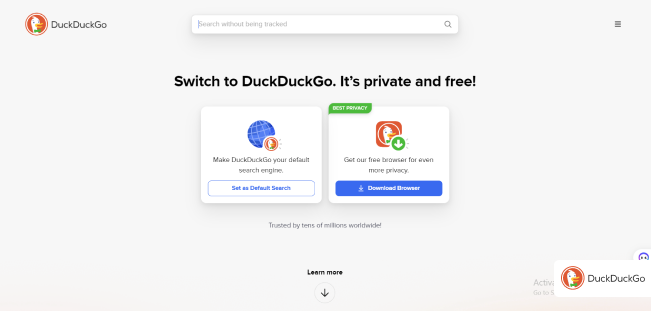
The company has opened up about how it saves users’ search terms. But, as it does not log your IP, the data collected can not be traced back to you, so you have nothing to worry about. However, the service is stationed in the U.S. and runs using Amazon servers. The fact that the US lacks adequate online privacy laws can be its major drawback.
2. Yippy

Yippy offers a clean interface with filtering options to manually filter results and mark anyone as inappropriate. It allows you to browse diverse content such as news, jobs, government data, images, blogs, and more.

The site does not log your searches nor interrupt your browsing with custom ads. However, just like Google, it allows you to view cached pages.
3. Swisscows

Swisscows is another anonymous search engine that uses state-of-the-art technology to protect its users’ data. Based in Switzerland, this engine has no interest in your personal information, so you will not find any of your browsing history. Also, it won’t log your data and allows you to surf the web anonymously.
Alongside all its privacy perks, Swisscows is family-friendly. For instance, kids can browse for whatever they want safely and privately, as it won’t showcase any sexual or pornographic search results.
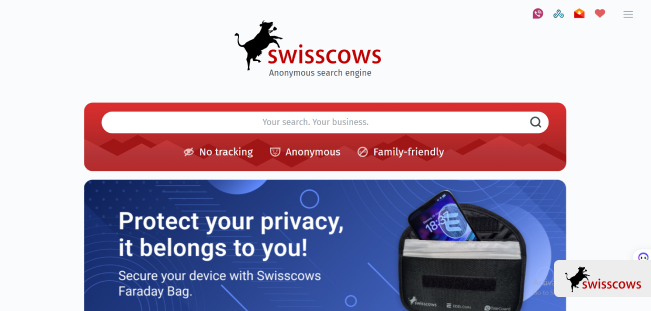
Furthermore, the platform uses intelligent cloud storage, including a large data pool that provides quick responses for whatever you search for. Plus, its servers are kept in a secure data center in Switzerland, so you don’t have to worry about anything when using it.
4. Pipl

Pipl is the number one web engine that you can use to find and verify the identity of any person of interest. You can use the platform to differentiate between real identities and fake personas. It is highly recommended for e-commerce vendors and customers so that they can verify if a purchase or store can be trusted.
Pipl doesn’t store your search history and can fetch results from multiple online sources. Its user-friendly layout makes it easy to search privately and navigate through sites. Also, you use it to deep-search about yourself.
5. Gigablast

Free
Doesn’t log or monitor your activities
Has a basic interface
Gigablast offers multiple options for customizing and sorting your search questions, which include language, file type, and exact keywords. It also includes an advanced search function in its interface besides the typical news, images, and videos.
Gigablast is one search browser you can trust for never storing your data, as it doesn’t need it. It even goes as far as deleting your search logs to reduce the chance of spammers and marketers tracking you.
6. Oscobo

Oscobo is an amazing option if you don’t want to worry about your personal information getting into the wrong hands while browsing.
The service does not use any third-party tool or script, meaning it can effectively protect your data from hackers or misuse.
7. Brave

Brave safeguards users’ privacy. Even though it generates its search results from other browsers, you will get a quick search response as it only shows a few results.
One feature that makes this service stand out is that it provides users with its native VPN and includes other privacy-protecting features in its source code.
Brave also doubles as an ad and cookie-blocker, ensuring a relaxing browsing experience. Other privacy features include phishing and malware protection, incognito windows, bounce tracking protection, and cross-site tracker blocking.
8. Mojeek
Mojeek is an independent crawler-based engine that doesn’t depend on other external search portals or engines. Instead, it produces search results by creating a proprietary index and crawling the web. It also has a strict no-tracking policy, so you can rest assured that it won’t track or place cookies or ads on your device.
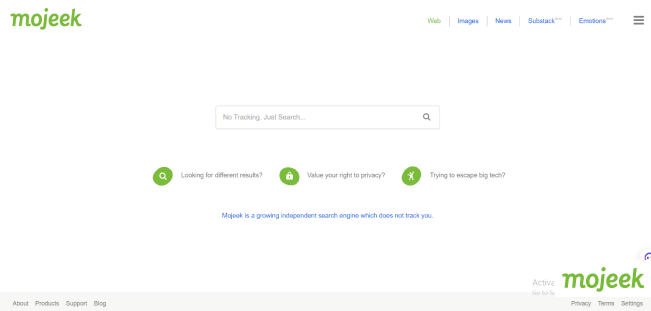
Furthermore, Mojeek won’t record or monitor your IP address but replaces the address with two digits that represent your country.
9. SearX

You can trust this service to keep you private online. It won’t disclose your search history or IP address to any third party, even though it fetches its search results from other engines. Also, this platform doesn’t create user profiles and blocks all tracking cookies.
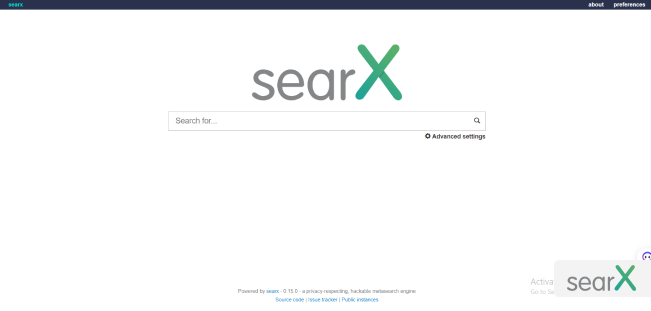
SearX links your search results directly to the respective site that contains it instead of using redirect links. It may also go as far as combining the direct links with proxy or cached links. This allows you to view your search results without visiting the page.
10. Ecosia

Ecosia encrypts your online searches and maintains your privacy differently. For instance, it doesn’t create user profiles, log data, or monetize personal information.
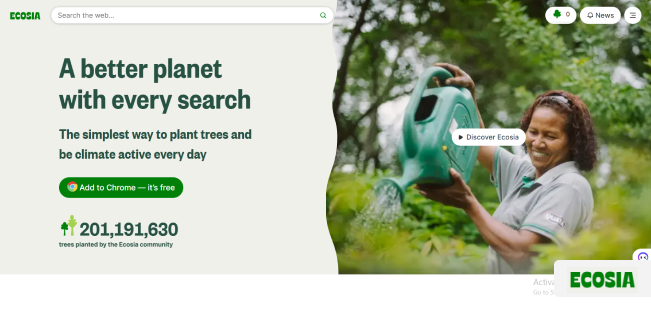
This private web engine focuses more on environmental conservation, proving this by donating 80% of its total profit towards this cause. As for how it generates profits, it does this by showing non-intrusive ads.
11. Search Encrypt

Search Encrypt is another web engine that lets you keep your browsing history a secret. It protects your activities using the AES-256 encryption alongside an SSL (Secure Socket Layout) certificate, ensuring no one can track you. It has an automatic feature that erases all your search history if you become inactive for over 30 minutes.e
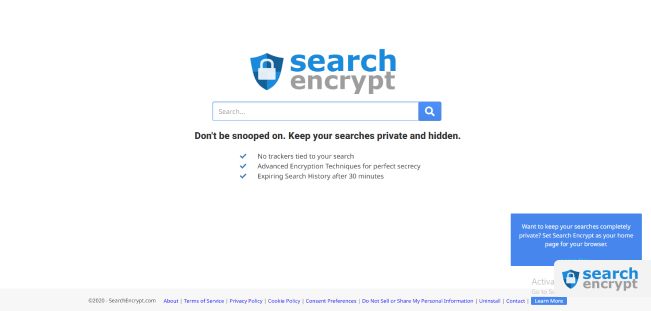
Furthermore, the search browser does not store or retain any data that can compromise privacy. It even blocks your ISP from gaining access and stops any site from tracking your online activity. Search Encrypt allows you to browse for news, videos, and images anonymously.
12. YaCy

YaCy is a service that insists you to download its open-source software before you can even start using its search network. It is available for your Windows, macOS, or Linux PC. You can refer to this search engine as a peer-to-peer project since it has software and doesn’t rely on central servers like Google.
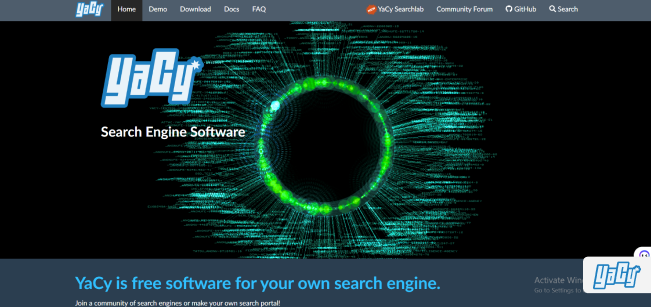
This platform gets support from SUMA eV, an organization that advocates for free access to knowledge, and the Karlsruhe Institute of Technology.
13. Qwant

Free
Doesn’t store your search history
Requires to install custom cookies
Designed with a similar interface, Qwant is a user-friendly, safe search portal that you can use to ensure your data protection. This France-based platform doesn’t track users, collect personal details, or use cookies.
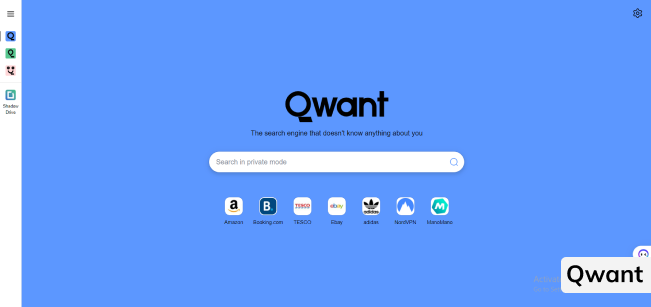
Qwant offers different tabs like Qwant Boards and Qwant Music, where you can share media files with other users. Qwant also boasts a kids’ mode that displays only protected sites and promotes educational pages.
14. Kagi
Kagi is a user-friendly service that gives safe and prompt search results. Once you enter a search query, it will show you a preview of all the relevant pages related to it. This lets you know if the information available on each page interests you. If you click on a result, the preview enlarges, allowing you to check out the site.

It boasts a simple interface that allows only a few sites to know its users’ identity, mainly the ones the user trusts. The free version only limits you to 100 searches per month. But if you upgrade to its premium package for $10/month, you can enjoy unlimited searches and more advanced features.
15. MetaGer
MetaGer lets you secretly perform all your online activities without leaving any traceable digital footprint. Its features include a proxy server, meaning you can anonymously browse the net and mask your IP address.
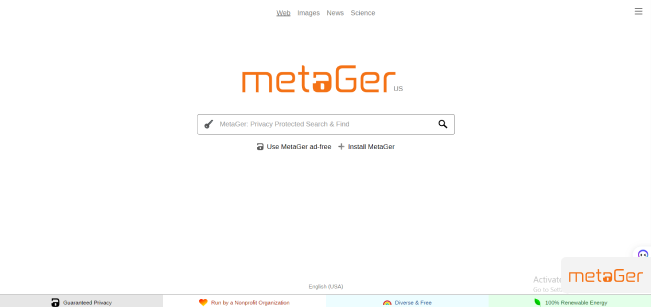
You won’t have to worry about intrusive and annoying ads as MetaGer doesn’t monitor your search queries. The platform is run by a non-profit organization that does not care about commercial interests, so you can be sure it won’t monetize your data.
16. Lukol

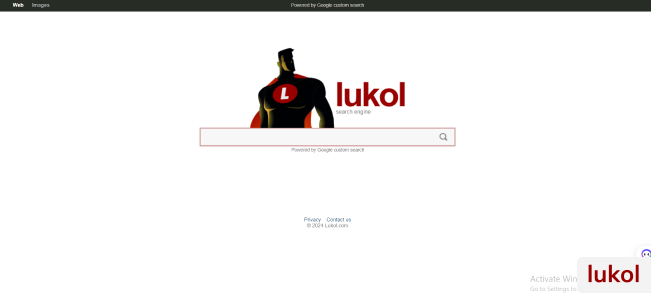
It offers customized search results, which it gets from the tech giant Google. It has a proxy server that ensures your online privacy by removing any traceable data from your device. The service also protects you from landing on inappropriate websites caused by misleading ads.
17. WolframAlpha

WolframAlpha is another secure service designed to answer questions about literature, science, geography, and engineering. You can liken it to an encyclopedia due to its depth of information on these subjects. It is recommended for people who like to seek knowledge.
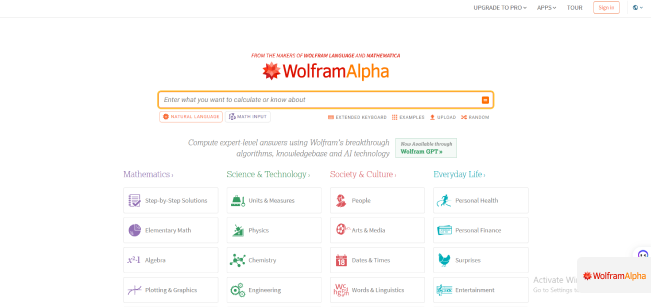
WolframAlpha gets its results using integrated algorithms to perform dynamic calculations. It does not monitor or log your search history, enabling you to keep your browsing private.
18. Disconnect Search

Free
User-friendly interface
Works only through an extension
From its slogan, Stop search engines from tracking your searches, you can tell that this service cares about its users’ privacy. It uses content search assistants from top platforms like Google, Yahoo, and Bing. Fortunately, it does not store your browsing activities or IP address.
19. Gibiru

By using Gibiru, you get to enjoy data encryption and prevent your information from getting into the hands of any third party.
It operates faster than some encrypted search engines. This is because it utilizes Google Custom Search to give its users a high-quality service while eliminating the trackers that Google uses. Gibiru boasts a fast and reliable platform that allows you to find whatever you want without stress.
20. StartPage

Startpage calls itself the world’s most private search engine. It supports this claim by not registering, tracking, or sharing your data with outsiders. This service allows you to browse for content using a proxy server, which protects you from any website that wants to track your location.
It also has an Anonymous View feature that allows you to become invisible online and explore different websites without leaving any trace.
Are Secure Search Engines Really Private?
The level of privacy a search engine can offer you depends on the service’s business model. A secure search engine uses a business model that prevents it from tracking or monitoring user data. Considering they don’t collect your information, you will get impartial and accurate search results without them being compromised by any marketing strategy. With this, you can say private search engines are indeed private.
How Do Private Search Browsers Generate Revenue?
These services make money using different methods. For instance, search portal like Searx relies on donations for its funds.
Another way they generate revenue is through contextual advertising, where adverts are displayed based on your search phrase. For instance, visiting a movie review blog may get ads about subscriptions to a streaming platform or discounted movie tickets. A few others use affiliate programs to generate income based on the sales made through the links.
The Best VPN that Guarantees Online Privacy
Even if you are using a web browser that functions at a high speed, it doesn’t prevent the websites you visit from misusing your data. All the private search browsers clearly state in their terms and conditions that they can’t protect your data once you visit a third-party website.
Most of the websites available today track their visitors’ activities using cookies. Some designed with sophisticated technology can go as far as recording your IP address. Fortunately, these sites have a privacy policy page that provides information on their data collection.
Apart from the sites you visit, your ISP (Internet Service Provider) monitors your online activities and can sell them to advertisers. Moreover, government agencies, hackers, and scammers roam the internet and are ever ready to threaten your digital space. Considering all these risks, a VPN is the best tool to convert your internet into a safe haven.
Designed with industry-leading AES-256 encryption, a reliable VPN like ExtremeVPN creates an unpoppable bubble around your device anytime you visit a website. It encrypts all your online traffic, and ensures that your data becomes unreadable to any third party that intercepts it.
You will also get additional security features like a kill switch, split tunneling, and DNS/IPv6 leak protection that will help to safeguard your online data effectively.
How Can I Change My Default Search Engine on My Browser?
If you are not satisfied with the default search engine available on your browser, there’s a way for you to change it. One reason for doing so can be because you want to change your engine to a privacy-focused one.
Here’s how you can change your default search engine on Chrome:
- Open Chrome.
- Select the More icon — the three dots on your screen’s upper right corner.
- Select Help, then About Google Chrome to locate its settings page.
- Click on Search Engine from the left panel.
- Tap the drop-down arrow beside the Search engine in the address bar tab.
- Select a new default search engine from the list available.
If you are using Mozilla Firefox, here’s how you can change the search engine:
- Open the Firefox app.
- Click on the three horizontal lines at the top right corner of your screen.
- Select Options.
- Click Search.
- Click on the down arrow under the Default Search Engine option.
- Select a new default search engine from the list available.
If you tried changing your search engine and it didn’t work, you may have malware on your device.
What if I Prefer Using Google to Other Private Search Engines?
Despite its privacy concerns, if you insist on using Google as your search engine, you should use it with a VPN. Consider using a premium VPN service like ExtremeVPN. Our VPN service maintains a strict no-logging policy that ensures that your digital footprint remains a secret to only you. It will help prevent your online data from getting into the hands of a third party, including your government and ISP.
Tips to Help You Browse Privately
While using a private search engine is an excellent first step to controlling our privacy, there are other tips you can take. They include:
- Avoid using popular platforms: Whenever you hear about a privacy scandal, chances are Facebook or Google are the culprit. These two platforms are known to collect and monetize their users’ data. Even Dropbox, Amazon, and Twitter openly admit that they sell the data they gather to advertisers.
- Use a VPN: You don’t have to search the internet to find a reliable VPN that covers all your privacy needs. ExtremeVPN is a budget-friendly service that takes extreme measures to ensure that users’ online data is not at risk. It protects your online connection and offers fast speed, unlimited bandwidth, and numerous server locations, meaning you can have unlimited access to the internet.
- Get anti-tracking apps and add-ons: Most browsers, like Firefox, Internet Explorer, and Chrome, have a do-not-track function that informs websites not to monitor your activities. However, taking extra precautions by getting an add-on is not a bad idea. Browser ad-ons like Ghostry can help you find and block any tracker before they can escape.
FAQs