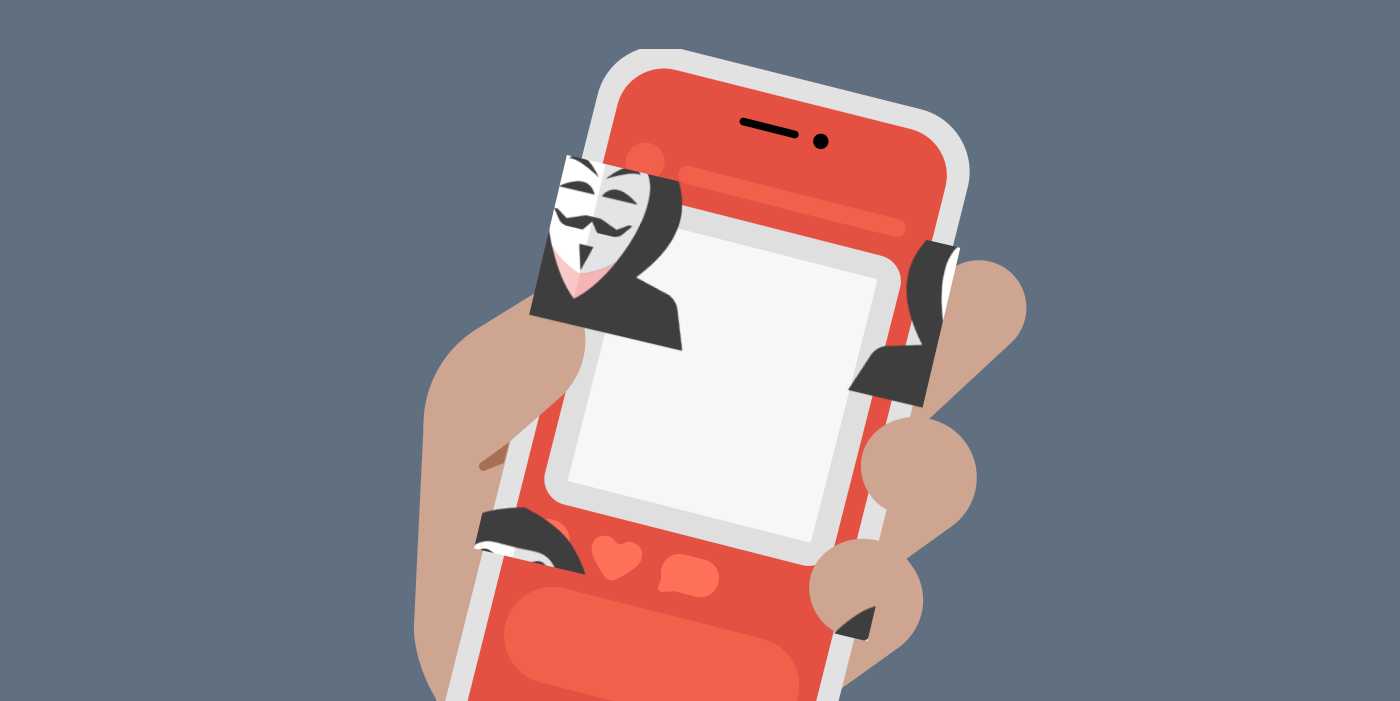


We discuss a lot of why you must protect your devices and personal information from cybercriminals and other bad online actors. However, it is vital to know that it’s not just someone behind a computer (for instance, in another city or country) that threatens your privacy. The person sitting next to you right now might be the criminal to be wary of.

An easy solution to this problem is to use privacy screen filters. These accessories not only restrict people from prying on your phone but also protect your screen from scratches.
Read on to learn how privacy screen protectors work and how to select the best one for your device.
What is a Privacy Screen Protector?
A privacy screen protector (or privacy filter) is a thin film you place over your device’s screen, such as a laptop or smartphone. to prevent anyone from taking a sneaky glance at what you’re doing. Thus, when typing sensitive details like your PIN or a private message to a friend in public, you can stay confident that no one is secretly watching these details.
When you place this thin, protective layer over your phone or PC, whatever you’re doing on your device can only be seen clearly when you’re right in front of your screen. Your screen’s content would appear darkened or distorted to anyone looking from the side or any other angle.
How Do Privacy Screens Work?
Privacy screen protectors, or anti-spy screen protectors, are made using micro-louver technology. This hi-tech innovation uses light polarization and works like a microscopic Venetian blind. As such, the display light can only pass through the parallel slats of the screen at an angle of 60 or 90 degrees from the front of the screen.
As effective as these accessories are, using screen filters is not an excuse to throw caution to the wind. This is because the extent of privacy they provide depends on the quality of the filter and the angle from which a stranger is trying to peep into your device. For example, if someone stands directly behind you to see your screen, they would be able to see clearly.
So, when using this anti-spying tool, be conscious of your environment to confirm that no one is standing above you. Additionally, it might be best to view sensitive information or messages at home or in a place you trust to be safe.
Types of Privacy Screen Filters
As stated earlier, the extent of privacy you get from a privacy screen protector is based on the type you use. Privacy protectors can vary on the basis of how they are installed, what materials they are made of, and how they block views. Some brands like HP and Dell have built-in privacy filters, too. Let’s talk about each one below.
Privacy Filter Behavior
- Two-way filters: These filters block visibility from two sides of your screen. This means anyone trying to spy on you from either your left or right side would only see a darkened or distorted screen. But they’ll be able to see from the top, bottom, and in front of it.
- Four-way filters: They prevent visibility into your phone from all four corners (left, right, top, and bottom). As a result, the only way to see your screen’s content is by directly facing it.
Installation styles
- Adhesive: These types of filters stick directly to your screen with a thin adhesive layer. They stay firmly in place but can leave some residue if you remove them.
- Non-adhesive (or removable): As the name says, this type is attached with the help of clips, magnets, or frames. Some of them even come with a slide-in or slip on features. They’re easy to remove and let you switch between private and open views quickly.
Material Types
- Tampered glass protectors: These types of privacy protectors are most popular because of their built quality (strong and scratch-resistant), durability (drop-protection feature), and high level of privacy.
- Plastic film: Basic protectors with a thin layer of plastic sheet. These aren’t as durable as the tempered glass, but are affordable and easier to remove.
Software-based
- Built-in privacy screens: Built-in privacy screens are more like an application designed for advanced laptops. All you have to do is click on a button or toggle on the option on your device.
What is Visual Hacking?
Also referred to as shoulder surfing, visual hacking involves looking into someone else’s screen to get sensitive information without their knowledge. This technique of stealing personal data doesn’t require technical expertise or hacking skills, yet it has proven effective.
Visual hacking is pretty simple and has become prevalent in public places. It could be because the most popular cyberattacks that go mainstream are the sophisticated ones, so we are ignorant of the simple ones. All that a visual hacker needs to do is glance at your screen at the coffee shop or on the bus to get a glimpse of details like your passwords and PINs.
For unsuspecting victims, these thieves can get enough information to stalk you, steal your identity, and ultimately defraud you. Luckily, you can prevent such attacks by taking effortless and useful privacy measures like a screen filter.
Do You Need a Privacy Screen? Advantages of Using a Privacy Screen
It depends on you and your lifestyle. A privacy screen might be handy if you travel a lot or frequently need to use your devices in public spaces like parks, restaurants, or the airport. Most visual hackers intentionally hang around these locations to find an unsuspecting victim. With a privacy screen, your personal details are well guarded from these people. Here are the advantages of privacy protector screens.
- Visual hacking protection: With a privacy screen, anybody attempting to look at your screen from an angle cannot see clearly. As such, you are protected from the risk of data breaches.
- UV and blue light filters: Privacy screens are designed to provide visual comfort while ensuring user privacy. They often have UV and blue light filtering to prevent issues like eye strain resulting from prolonged screen exposure.
- Anti-glare features: These filters also come with glare reduction. This feature regulates the reflection of the light from your screen to your eyes. Thus, irrespective of the lighting in your environment, you won’t struggle to see or read from your screen.
- Physical screen protection: Like your regular screen protector, a privacy screen protector keeps your devices’ screens free from scratches and other damage. Ultimately, you get to enjoy the worth of your gadget for longer.
Disadvantages of Using a Privacy Screen
- Limited viewing angle: Their display angle makes privacy screens only viewable from the front of your screen. This might pose a problem if you have to share your screen in collaboration with others.
- Reduced screen brightness: Privacy screens have a slight tint of color on them. Thus, your normal screen will look dimmer, forcing you to increase the display brightness of your device. Doing this may ultimately cause your battery to discharge more quickly.
- Possible effect on-screen quality: Low-quality screen filters can reduce the vibrancy of your screen and overall viewing experience. As a result, you should buy your filters from reliable vendors or producers.
- Cost: Some privacy screen protectors are expensive, especially larger screens with anti-glare and blue light filters. Hence, many people may be discouraged from investing in them, particularly if they rarely need privacy.
- Fingerprint smudges: There have been reports of fingerprint smudges on some screen filters that must be frequently cleaned.
How to Install a Privacy Screen Protector
Things to Check First
Before applying the privacy screen, make sure of the following factors:
- Choose a clean environment: Install the screen in a space where the air is calm. For example, your bedroom early in the morning or a closed office. Less wind means less dust floating around or falling on the surface of the device.
- Turn off your device: Doing this will help you see dust and smudges clearly, so you can clear them.
- Remove your device case: This will minimize the chances of your privacy screen moving during installation.
Steps to Install the Privacy Screen
Normally, people visit physical shops to get their privacy screen installed. However, if you want to do it yourself, here’s how you can apply a tempered glass or adhesive glass screen:
- Clean the screen: Use the alcohol wipe included to remove any fingerprints or oils. Let it dry or use a microfiber cloth. If you have a dust sticker available, use it to pick up tiny dust particles.
- Align the privacy screen: Hold it above your device and make sure it aligns perfectly according to camera position, edges, and speakers. Some screens come with an alignment frame to help here.
- Don’t rush: Only remove a small part of the adhesive at the start, so you can avoid trapping air.
- Slowly apply the screen: Once it’s aligned, gently remove the lower portion of the adhesive. Make sure to press evenly so the adhesive sets smoothly.
- Remove bubbles: If any bubbles are left on the screen or edges, remove them using a microfibre cloth or a soft card. Most tempered glass usually settles down by itself.
- Check touch and brightness: After applying, check if everything works all right. If something feels off, you can carefully lift and reposition it.
Non-adhesive screens follow a different pattern for installation, a much easier one.
- Magnetic filters: These only require you to line up the privacy filter with your laptop’s edge (bezel). As soon as you do this, the magnets will hold the screen in place.
- Slide-in filters: Here, you have to attach the frame or tabs to the bezel. Then, according to your choice, you can slide the filter in or out.
- Clip filters: Clip them onto the bezel so the screen sits just in front without touching.
Can You Put a Privacy Screen Protector on a Regular Screen Protector?
Yes, it is possible, but it is not recommended for the following reasons:
- It could make your screen display even darker.
- It can reduce your device’s touchscreen sensitivity.
- It might look bulky and less aesthetically pleasing.
If you want to layer a screen filter on your regular screen protector because you’re concerned about scratches on your screen, it’s better to get a privacy screen that doubles as a damage protector.
How to Remove a Privacy Screen Protector

It is very easy. All you need to do is slide it out or unclip it so it is out of your eyesight. Here’s how to do it:
- Lifting the screen: Trace around the edges with one finger and peel off the protective screen filter. You may also use a toothpick or other appropriate plastic tool. Make sure you don’t use sharp objects as they can scratch your screen.
- Remove any residue: Next is to remove any residue it left on your screen. To get rid of them, just use some screen cleaner on a microfiber towel. Do not use any aggressive fluids or fabric that might harm your screen.
How to Choose the Best Privacy Screen Protector
So, you understand the value of privacy screen protectors but confused which one to go with. Well, you have nothing to worry about. Here are the things to consider when choosing the best screen filter for yourself:
- Degree of privacy: Some privacy screens provide privacy on the left and right sides, while others offer four-corner security. You decide the level of privacy you want and select the filter that offers it.
- Screen brightness and clarity: It’s not ideal to purchase a screen protector only to start struggling with the clarity and quality of your gadget’s display. Of course, the filter will reduce your screen’s brightness a bit. However, you should be able to use your device anywhere, irrespective of your environment’s lighting.
- Touchscreen compatibility: Steer clear of privacy screens that would either make your screen unresponsive or cause a ghostly touch on your screen without any contact from you.
- Additional protective features: You must know your needs before selecting a screen filter. For example, you might want a privacy screen that is scratch and impact-resistant, which also has anti-glare properties. In this situation, you should look out for screens with these features.
- Ease of installation and removal: Some screen protectors are made to be semi-permanent, while others can be removed anytime. If you think you’ll have to remove the screen filter frequently, go for the detachable ones. If not, you can go for the adhesive type.
- Cost and quality: You need to consider the price of the screen filter you want to buy. While a higher price doesn’t always guarantee quality, a cheaper option might be a tradeoff for your privacy. As such, you should check out the price and the corresponding quality of a privacy screen to get value for your money.
- Device compatibility: Numerous devices are available, and privacy screens are designed to fit these different models. Ensure that you choose a screen compatible with your smartphone or personal computer. Take note of your device’s model, size, and even screen thickness to determine the best screen filter size.
- Technology: For more reliable privacy and a better viewing experience, it’s best to use screen filters made from micro-louver technology.
- Type of material: Privacy screen filters are typically made from either tempered glass or PET (polyethylene terephthalate) plastic. While they can both provide the layer of privacy you need, tempered glass is a better option. But you should note that tempered glass might be difficult for smartphones with curved screens.
Are Privacy Screen Protectors Bad for Your Eyes?
No, they are not. On the contrary, they usually have features like anti-glare and blue-light filters that can help protect your sight from strain. The only discomfort you may have with privacy screens is that they are usually a little tinted. However, increasing your display brightness is a good way to avoid this possibility.
Additional Privacy Protection Measures for Your Devices
Screen filters are an excellent strategy for protecting yourself from visual hacking. However, they don’t protect you from other kinds of digital threats. As a result, adopting the following privacy protection measures is advisable to ensure maximum online security.
- Use a VPN: With a VPN like ExtremeVPN, you encrypt your online connection using an IP address different from your location. Doing this makes it difficult for malicious actors to gather accurate, sensitive data about you.
- Change your browser: If you are using a browser whose privacy you can’t vouch for, you should switch to privacy-oriented browsers such as Microsoft Edge, Chrome, Safari, and Opera.
- Update your browser: The developers behind the operating systems of most popular browsers are constantly improving the software, which includes fixing bugs and vulnerabilities. It’s best to regularly update your browser to use the most recent and optimized version.
- Use strong passwords: Your password should be such that it is difficult for any random person to guess. Luckily, some high-quality tools like ExtremeVPN’s password generator reveal the strength of your password when you want to set it up. Ensure you take note of the status and create a password described as strong.
- Activate two-factor authentication (2FA): Some applications come with 2FA. You’ll be doing yourself a security favor by activating this extra layer of protection. 2FA works by asking you for a second means of authentication aside from your password whenever you want to log in.
- Use additional security tools: Software like ad trackers and malware scanners can add a layer of security to your devices, which can help prevent intrusive ads and malware downloads. You can activate a threat protection feature to block trackers and restrict your access to websites that host malware.
- Remove old apps: Your old applications could be the reason for security breaches going on with your devices. So, if you have apps that you no longer use, it’s best to get rid of them.
FAQs